Barber Shop Website Builder for Barbershops.
Build a barber shop website with Mixo. Show haircuts, beard services, prices, opening hours and photos, and link to the booking service you already use.
For solo barbers, independent barbershops and grooming businesses creating an informational website.
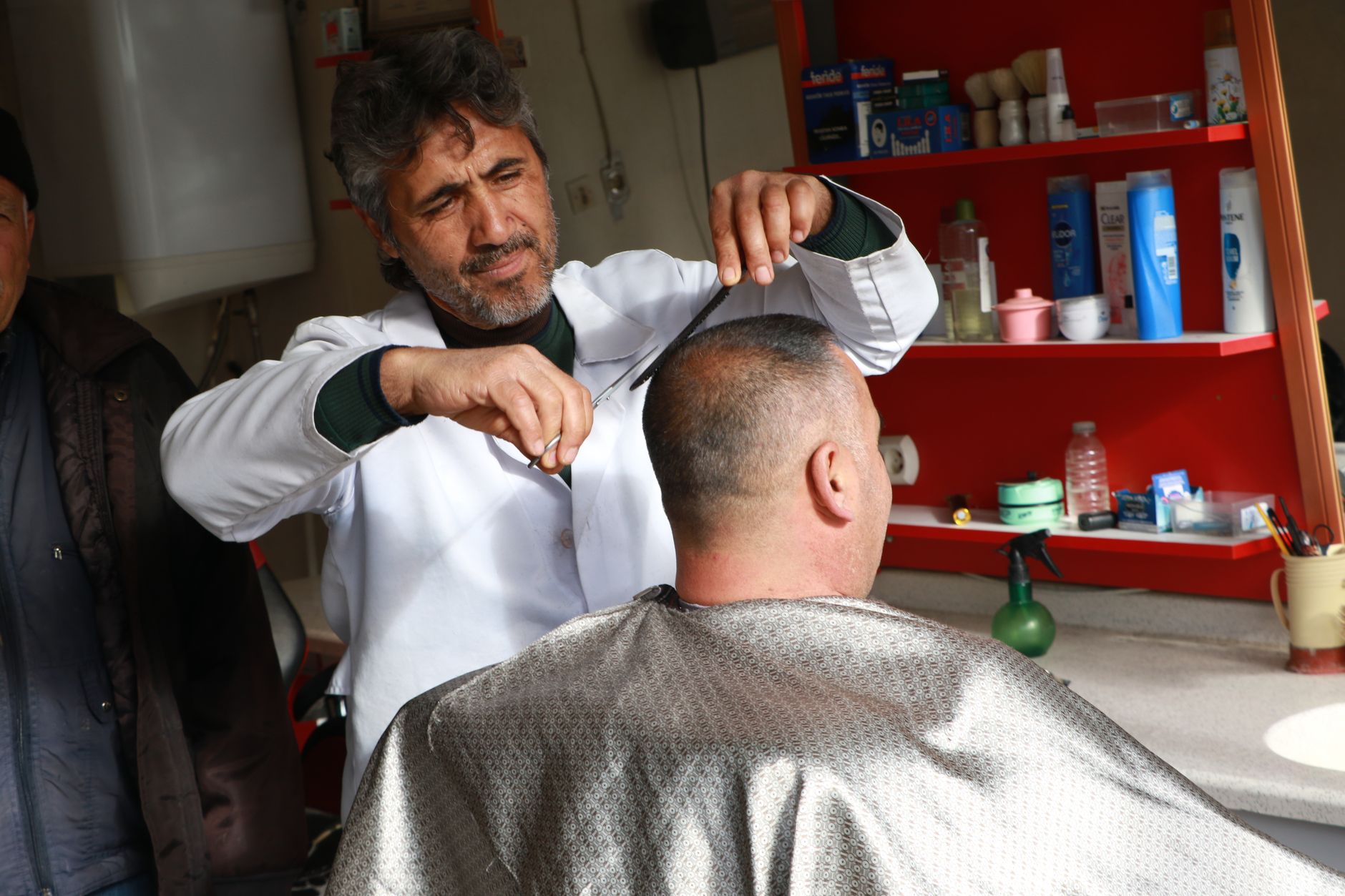
Why Barbers Use Mixo
A Barber Shop Website Builder That Links to Your Booking Service
Build the website around your shop; keep appointment management in your booking service.
- AI first draft
- Describe your barbershop to generate a starting point, then review the details yourself.
- Photos and editable content
- Add your haircut gallery and edit the text to match your shop, services and prices.
- External booking links
- Link a button to your existing scheduling service. Booking happens outside Mixo.
Built with Mixo.
Real websites created by real businesses — in minutes, not months.



PayYou
Product Based Business


Holistic Oncology
Health Services


Bosworth Law Firm
Professional Services Business


Renovate Pro
Home Services Business


CraftiPanda
Service Based Business



Temen Bulu
Professional Services Business



Laughing Horse Arts
Local Business
PayYou
Product Based Business
Holistic Oncology
Health Services
Bosworth Law Firm
Professional Services Business
Renovate Pro
Home Services Business
CraftiPanda
Service Based Business
Temen Bulu
Professional Services Business
Laughing Horse Arts
Local Business
From your first draft to publishing
How to Make a Barbershop Website with Mixo
Create a barber shop website from a business description, then personalise the draft with your service menu, prices and photos.
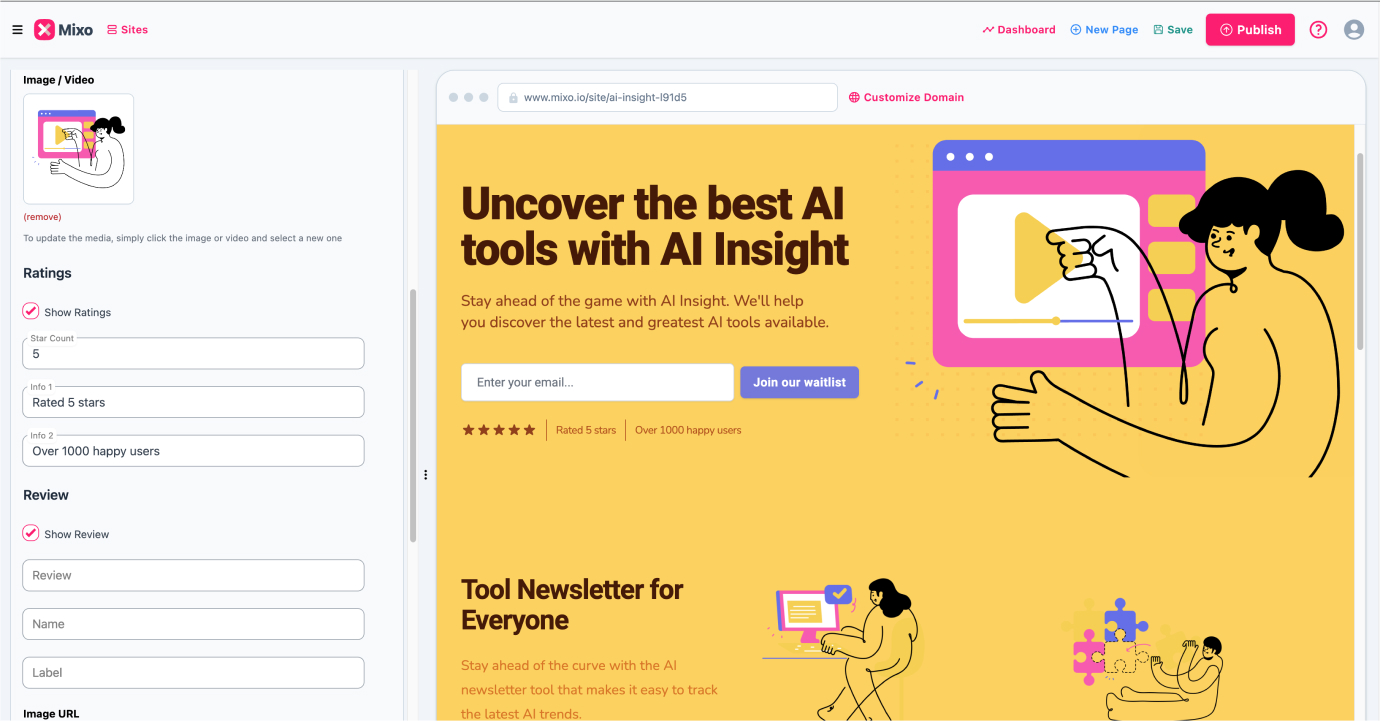
A useful barber website answers practical questions before someone visits: which cuts do you offer, what do they cost, where is the shop, and should customers book or walk in? Use Mixo for the website, with an external scheduling service if you take appointments.
- Services and prices. List your cuts, beard trims and shaving services with current prices.
- Your own work. Show examples of the styles customers can ask for, with permission to use each photo.
- Visit information. Include your address, opening hours and walk-in or appointment policy.
- A clear next step. Send customers to your external booking service or explain how to visit without a booking.
Step 1: Describe Your Shop and Specialties
Step 2: Add Your Service Menu and Prices
Step 3: Show Your Work and Your Shop
Step 4: Explain How to Visit or Book
Step 5: Review and Publish
What Mixo Does Not Do for Barbers
Unbeatable value.
Launch with confidence
For solo barbers, independent barbershops and grooming businesses creating an informational website.
AI-powered website builder
Try it free before you commit
Simple custom domain setup
Upgrade or downgrade anytime
Capture and export form submissions
Friendly, human customer support
“I tried three other website builders, and Mixo always came out on top. The interface is easy to understand and simple to use”
Questions?
- What is the best website builder for a barber shop?
- It depends on what your shop needs. Mixo suits barbers who want a website with their services, prices, photos, opening hours and a link to their booking service, without coding. It has no booking calendar, point-of-sale or payment processing of its own, so keep using those tools alongside your site, or compare other builders on our comparison page.
- How do I make a barbershop website with Mixo?
- Describe your shop, generate a draft, then check the services, prices, photos and contact details before publishing. The AI preview usually takes about a minute; editing and reviewing take additional time. See creating your first site.
- Can I show photos of my haircuts and beard work?
- Yes. Upload your own photos and add a gallery for fades, cuts and beard trims. Use photos you have permission to publish. See adding photos and a gallery.
- Does Mixo include a barber booking system?
- No. Add a button linking to the scheduling service you already use. Appointments and availability are managed there, not in Mixo. See linking to a booking service.
- Can I collect enquiries or accept payments?
- You can add a contact form for general enquiries. For payments, link a button to an external provider such as Stripe Payment Links or PayPal.me; Mixo does not process payments or provide a point-of-sale system. See external payment links.
- Can I update my services, prices and opening hours?
- Yes. Edit the page text in the Mixo editor, save it, then publish to make the changes live. See editing your website content.
- Can I start for free and use my own domain later?
- Yes. The free plan lets you create, edit and publish on a Mixo subdomain with hosting and SSL. A paid plan is required for a custom domain. See free and paid plan terms and custom domain setup.
- Will my barber website work on mobile and appear in search?
- Mixo sites are mobile-friendly, and you can edit the SEO title and description. These features do not guarantee indexing, rankings or new clients. See search discovery and mobile-friendly sites and SEO title and description settings.
Built to work with the tools small businesses already use.
Mixo connects easily with payments, email, analytics and marketing tools so your website actually works for your business.
Trusted by businesses across hundreds of industries.
Not sure which builder to use?
See how Mixo compares to alternatives
No code. No design skills. Just results.
Create Your Barber Shop Website.
“I am fairly limited in my ability to use technology, and no matter what my issues have been, the team at Mixo has been excellent at addressing, and helping me achieve the goals on my website page. I can’t say enough about how helpful they are!”