Trucking Website Builder: Make a Trucking Company Website.
Make a trucking company website with AI. Add your freight services, lanes and service area, a tap-to-call button and a quote request form.
- Free plan available
- •
- No credit card required





Trusted by 750k+ businesses
What a Trucking Company Website Needs
Shippers and freight brokers who visit a trucking company website usually want to know what you haul, where you run, who you are and how to get a quote.
Answer those questions first. Name the freight you move, such as dry van, flatbed, refrigerated, LTL or drayage, and the lanes, states or regions you cover. Show your USDOT and MC numbers and how long you have been in business so shippers know who they are dealing with. Put your phone number on a call button near the top, add a quote request form that asks for pickup and delivery locations, freight type and dates, and show reviews from shippers next to your services. If you are hiring drivers, add a section that describes the routes, the trucks and how to apply.
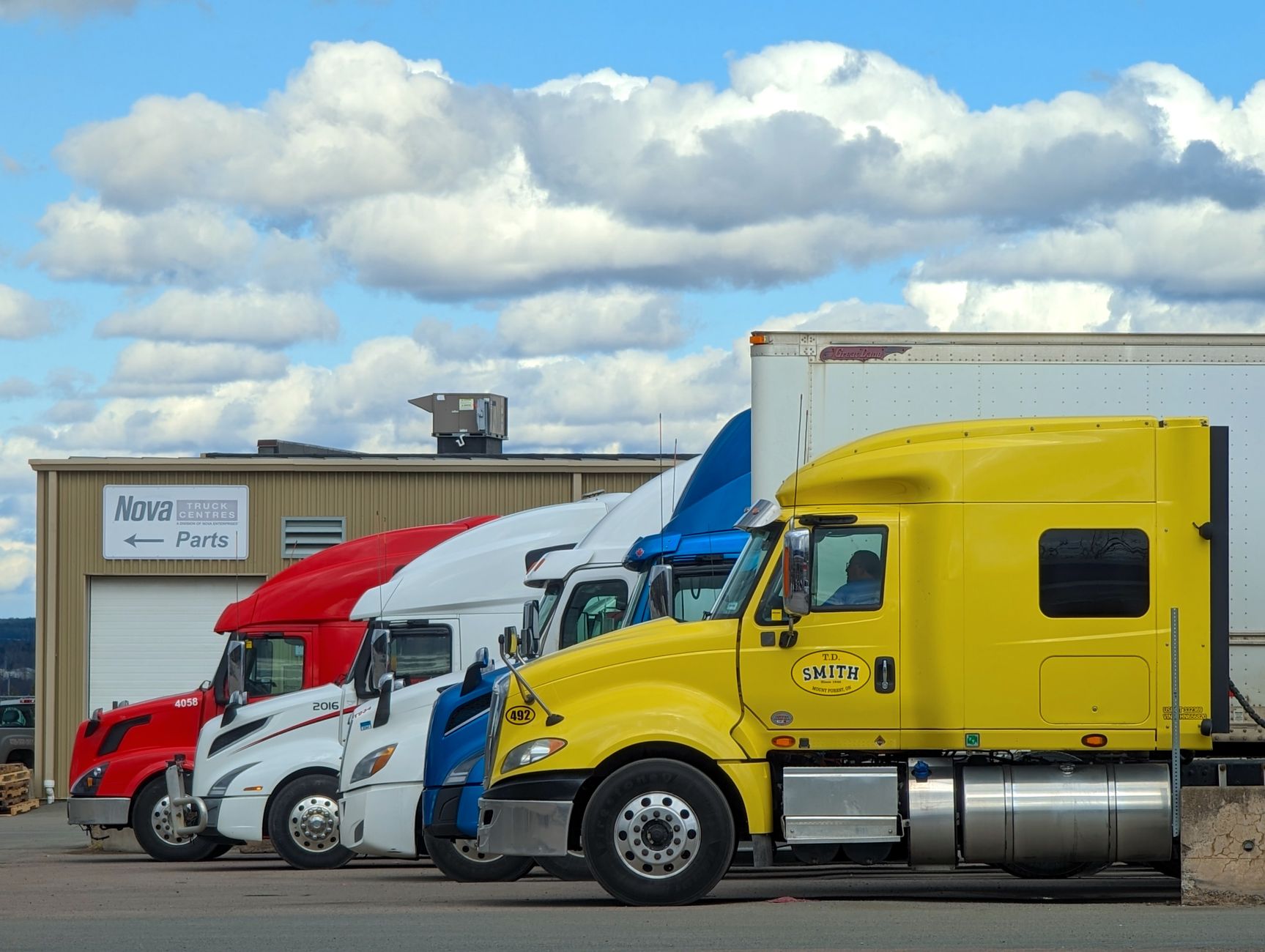
Why Use Mixo as Your Trucking Website Builder
Describe your trucking company in one sentence and Mixo's AI creates a first draft with copy and design in about a minute. Then edit any section in the visual editor: add photos of your trucks, trailers and drivers with your own images or the built-in library, add customer reviews to your sections, and set your SEO title and description. Mixo is a website builder, not trucking or dispatch software: it has no load board, dispatch, ELD, shipment tracking, freight quote calculator or invoicing, so shippers reach you by phone, email or your quote form. You can publish free on a Mixo subdomain, then move to a paid plan when you want your own domain or more pages. No coding needed.

How to Make a Trucking Website.
- 1
Describe Your Trucking Company
Enter your company name, where you are based and what you haul, for example dry van and flatbed freight across Texas and neighboring states. Mixo's AI uses these details to write your first draft.
- 2
Add Your Services, Lanes and Equipment
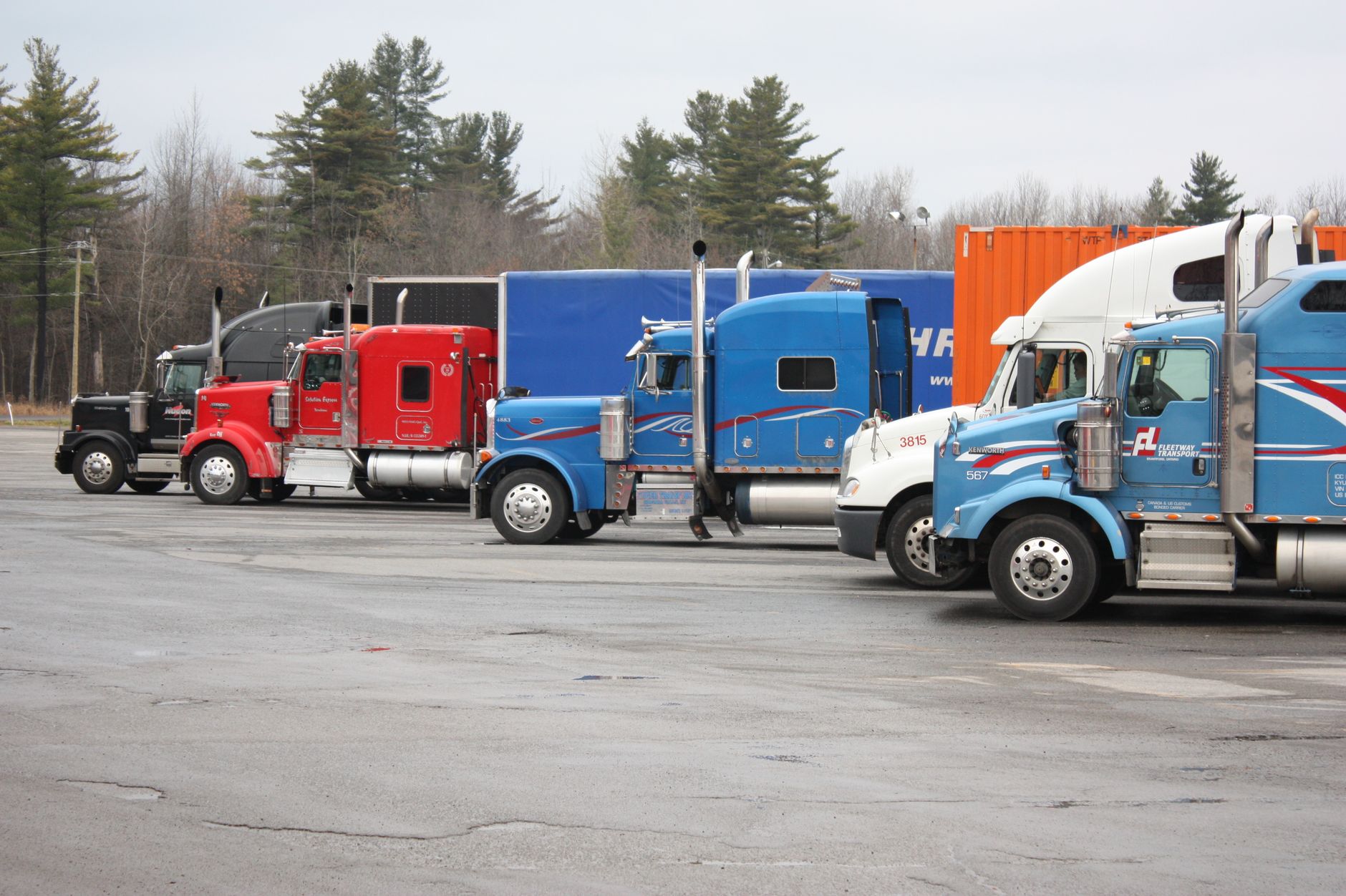
Edit the generated sections to describe each service, from full truckload and LTL to drayage or refrigerated freight. List the lanes, states or regions you run and your equipment, and add photos of your fleet.

- 3
Add a Call Button and a Quote Form
Link your main button to your phone number so shippers can call you in one tap. Add a Contact Us page with a quote request form and custom fields such as pickup and delivery locations, freight type, weight and dates.

- 4
Add Your Company Details and Reviews, Then Publish
Add your USDOT and MC numbers and customer reviews to your sections. If you are hiring drivers, describe the job and ask applicants to call, email or use your form. Then publish and share your link.

Free Business Plans for Trucking Businesses.
Starting a trucking business? These free example business plans can help you plan before you build your website.

Business Plan for Box Truck Transportation Services
This business plan outlines the key elements for starting and operating a box truck transportation services business.

Trucking Company Business Plan
This business plan outlines the objectives and strategies for Trucking Company, a company that specializes in delivering goods to customers.
“I tried three other website builders, and Mixo always came out on top. The interface is easy to understand and simple to use”
Built to work with the tools small businesses already use.
Mixo connects easily with payments, email, analytics and marketing tools so your website actually works for your business.



No code. No design skills. Just results.
Join thousands of businesses already online with Mixo.
“Mixo is such a neat product. The experience is just clean, straight forward, it gets the job done. I love it! While everything about it is super simple, they were able to dissect key aspects that would be time consuming as Google Analytics integration, waitlist management, and more all no code and truuuuuuuly done in one click.”